
We are here with a cool method that will allow you to monitor your data usage and to better manage your data in order to avoid over charge of extra usage in your internet plans.
f you are low on the internet then you need to monitor on complete data usage of your internet and for that, you can monitor the data usage in your android and that too in real time. In some android devices like MI, you can view the actual status of internet usage when you are being connected to the internet connection. However, on other android devices, this feature is missing. So we are here with a cool method that will allow you to monitor your data usage and to better manage your data in order to avoid over charge of extra usage in your internet plans. So have a look on complete guide discussed below to proceed.
How To Monitor Real Time Data Usage In Android
The method is very simple and depends solely on a cool android app that will allow you to track your network packets. This will show you the real-time usage and then you will actually come to know that what exactly your data is being consumed. Follow up the steps below to proceed.
Features Of Internet Speed Meter Lite App:
- You can see the real time speed update in your android status bar and notification.
- Also, you can watch daily traffic usage in the notification panel.
- Monitors your traffic data for the last 30 days.
- Battery efficient with low consumption.
- Different stats chart for WiFi and mobile data.
Steps To Use Internet Speed Meter Lite App To Monitor Real Time Data Usage In Android:
Step 1. First of all in your android device, download and install the cool app that is Internet Speed Meter Lite after installing launch the app on your device.

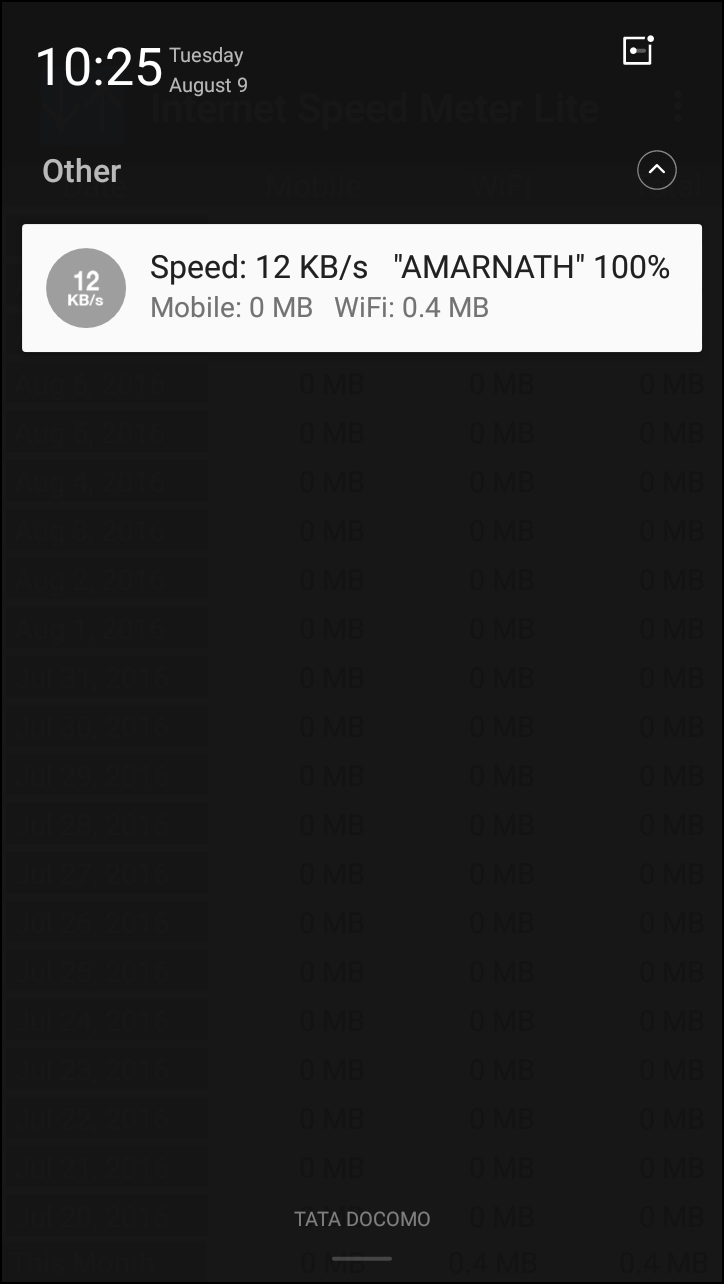
Step 2. Now the app will get active and you will now see the real time speed and data utilised by your android device. You will come to know the speed from Android Notification shutter.
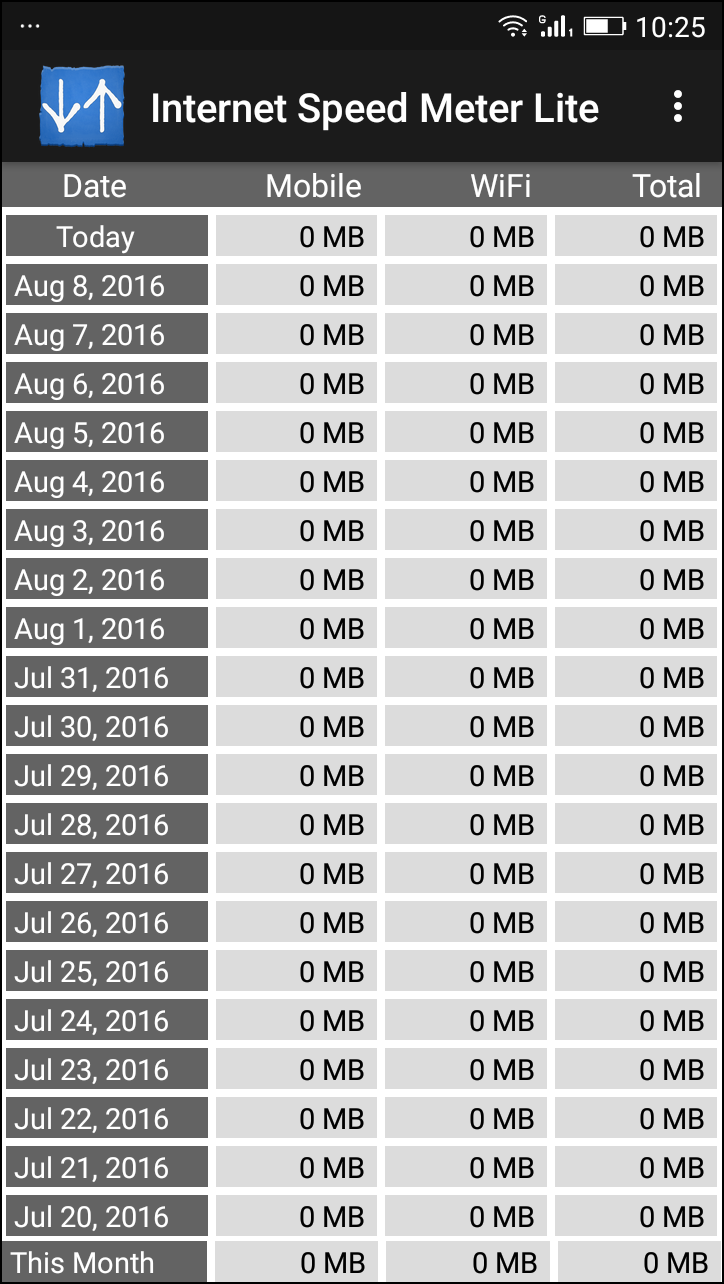
Step 3. Also, you can see the day by day chart in it to better manage your internet usage.
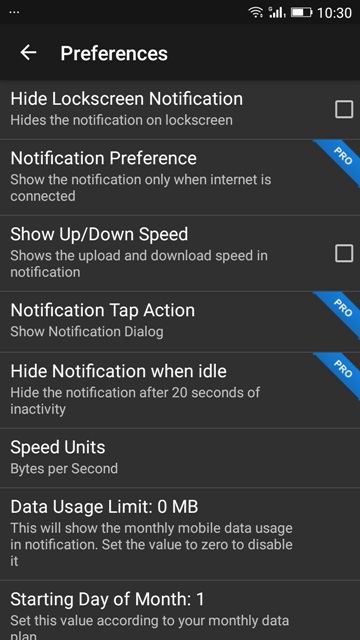
Step 4. You can also set the preferences from the settings of this app. However, there are not great features given on the free version, you need to upgrade your app to pro version in order to experience the full potential of this app.


No comments:
Post a Comment